 DailySip

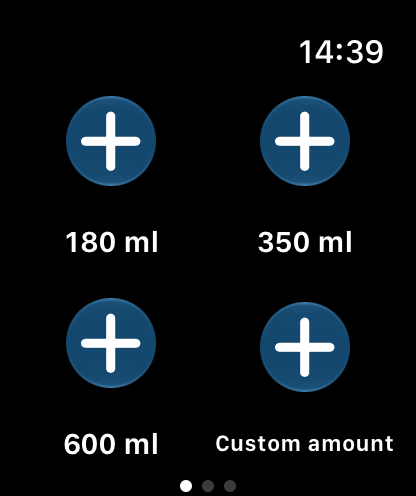
Log water on Apple Watch
Add water directly in the Watch app. Complications make your current progress accessible on the watch face without reaching for your iPhone each time.

Apple Health with your permission
Choose which data DailySip may read and write. With write permission, water entries are stored in Apple Health; permitted activity and body data can support the goal calculation.
Widgets for a quick glance
See your drinking progress without opening the app, with iPhone widgets and Apple Watch complications.
When devices show different values
Updates between iPhone and Apple Watch can take a little time. If the values differ, open DailySip on both devices and check the connection and your Health permissions.
