iPhone Duo

More room for your favorite apps.

Meditate, log water, identify colors or play with Mow: explore four apps that use the outer and inner displays of iPhone Duo.

Mowditate

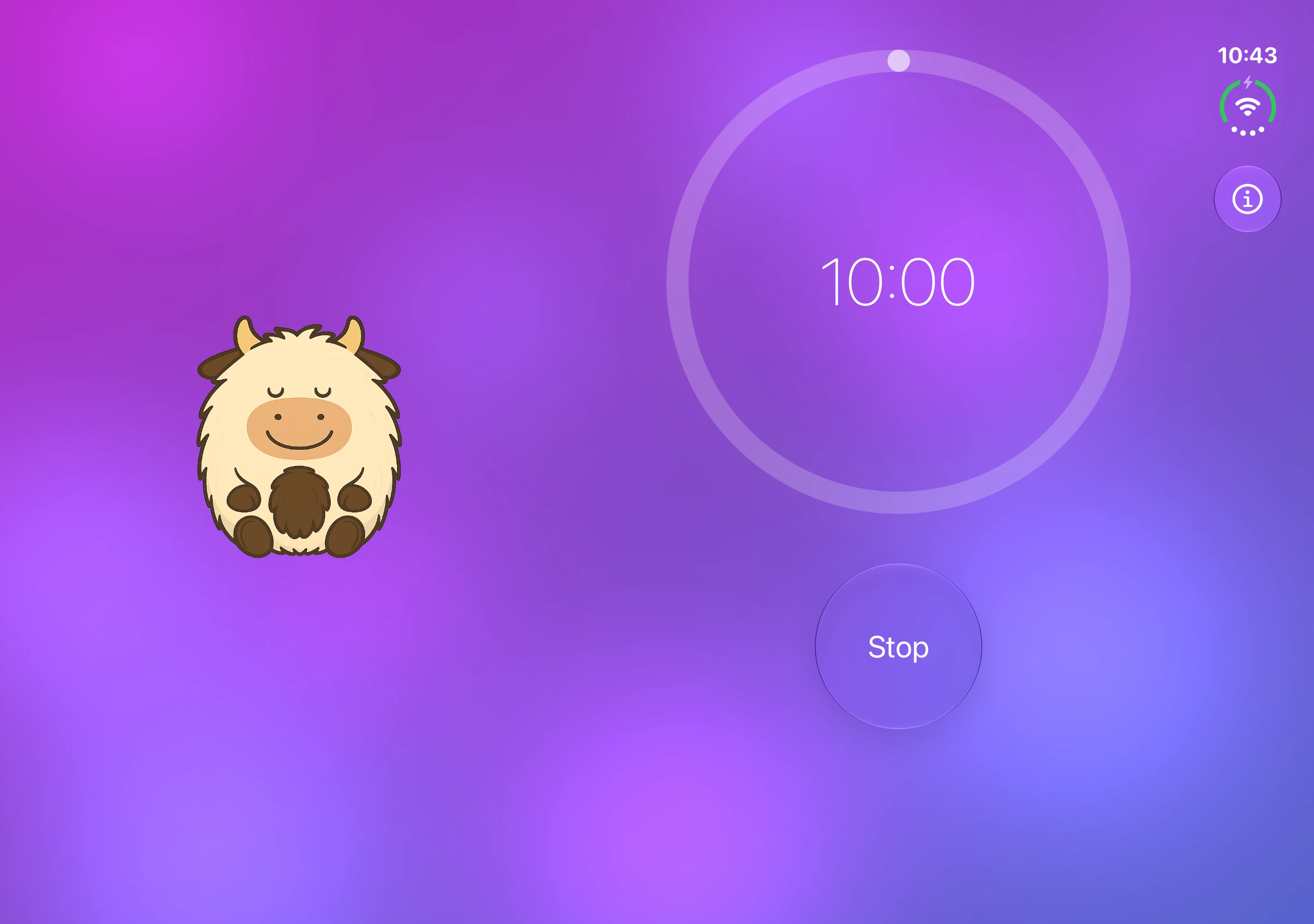
Unfold iPhone Duo to see Mow beside your meditation timer.

Mowditate · iPhone Duo
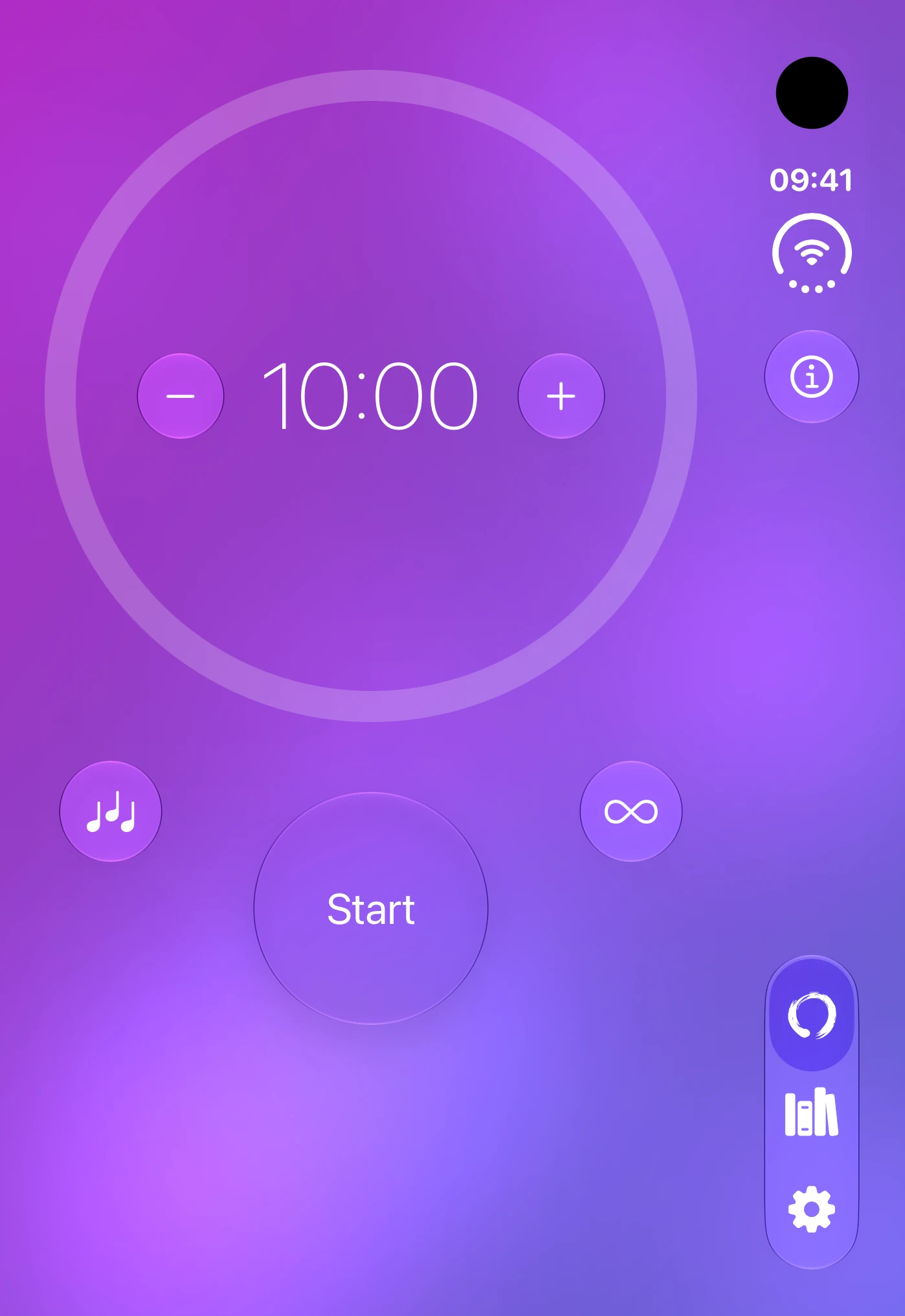
Mowditate: meditation timer on the outer display
Outer displayPortrait
Mowditate: timer and meditating Mow side by side on the inner display
Inner displayLandscape

DailySip

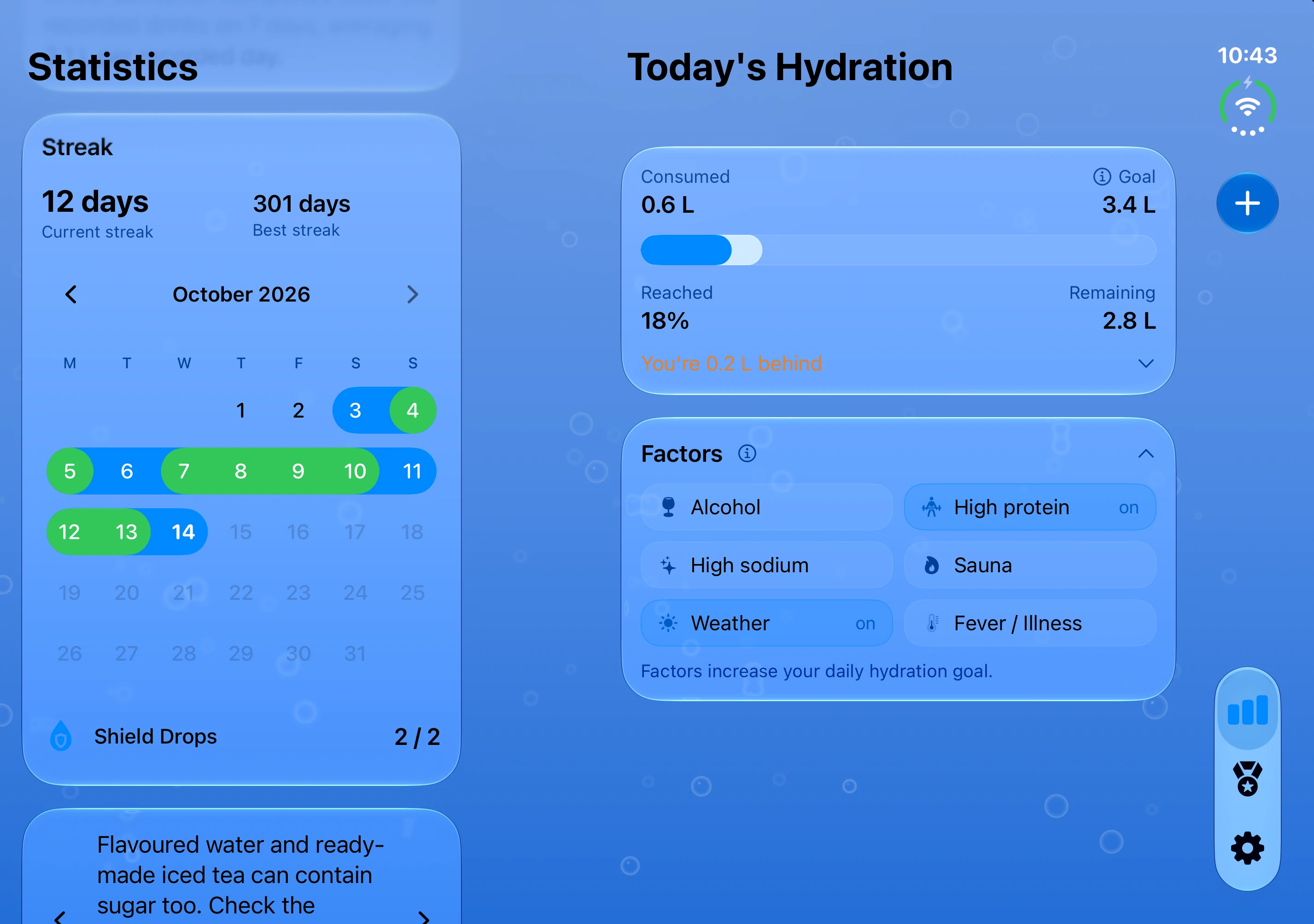
On the inner display, the drinking view stays visible beside your selected section. See your goal and expanded daily factors alongside your drinking streak calendar.

DailySip · iPhone Duo
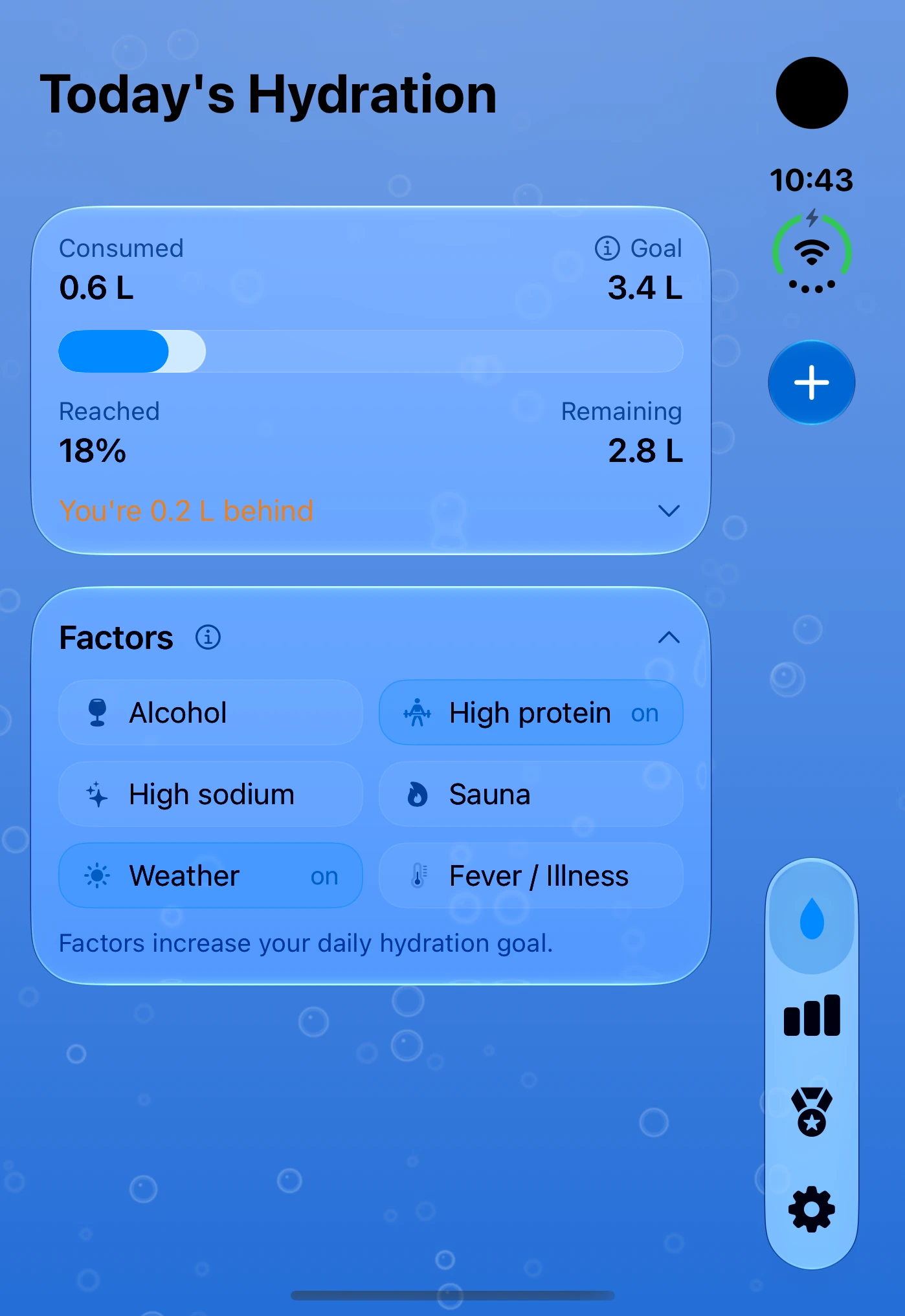
DailySip: water goal and logged intake on the outer display
Outer displayPortrait
DailySip: water overview beside the calendar on the inner display
Inner displayLandscape

Opsino

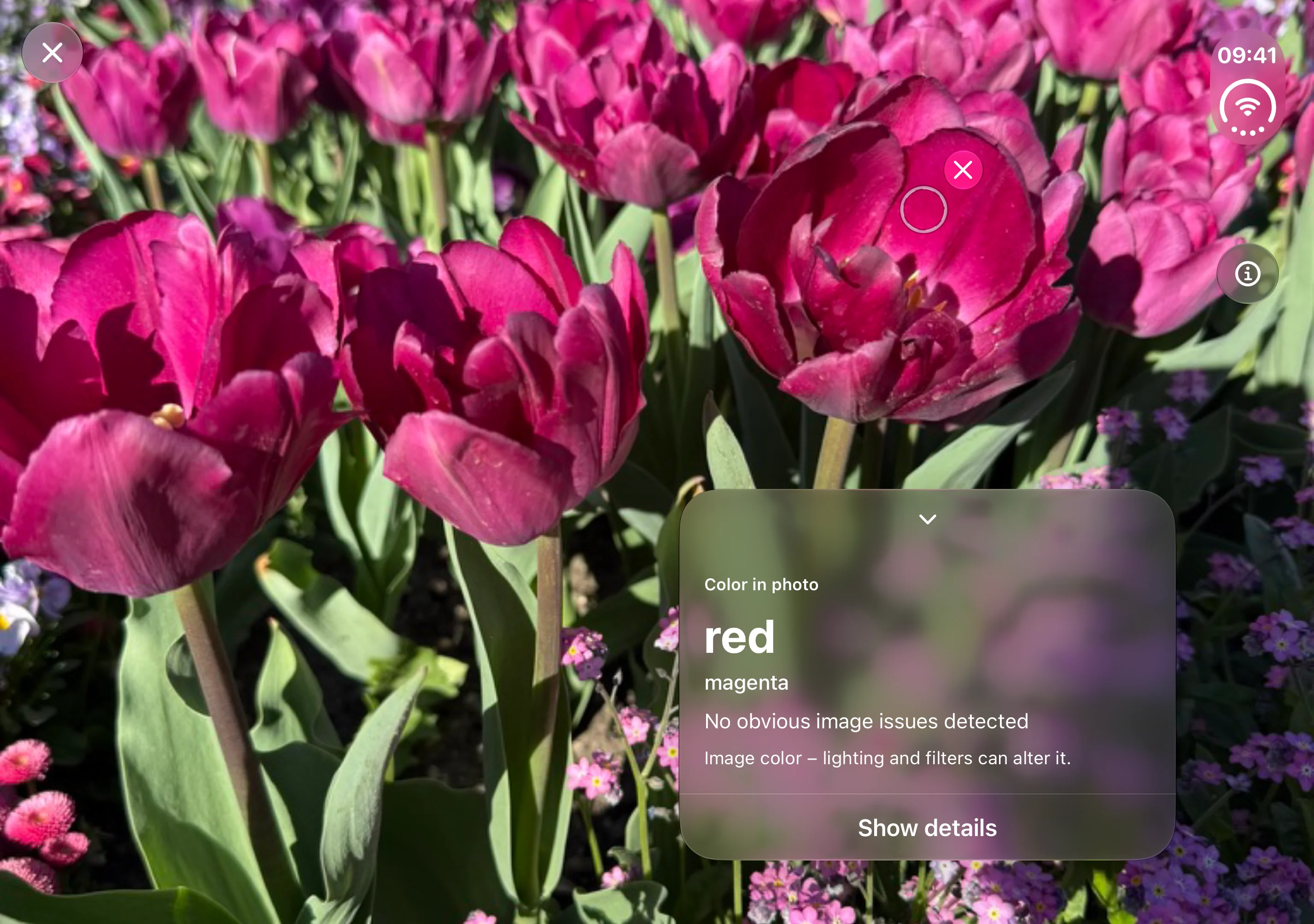
Open in landscape to view the photo on the larger display. Place the measurement circle on an area; the result and guidance appear on the right of the image.

Opsino · iPhone Duo
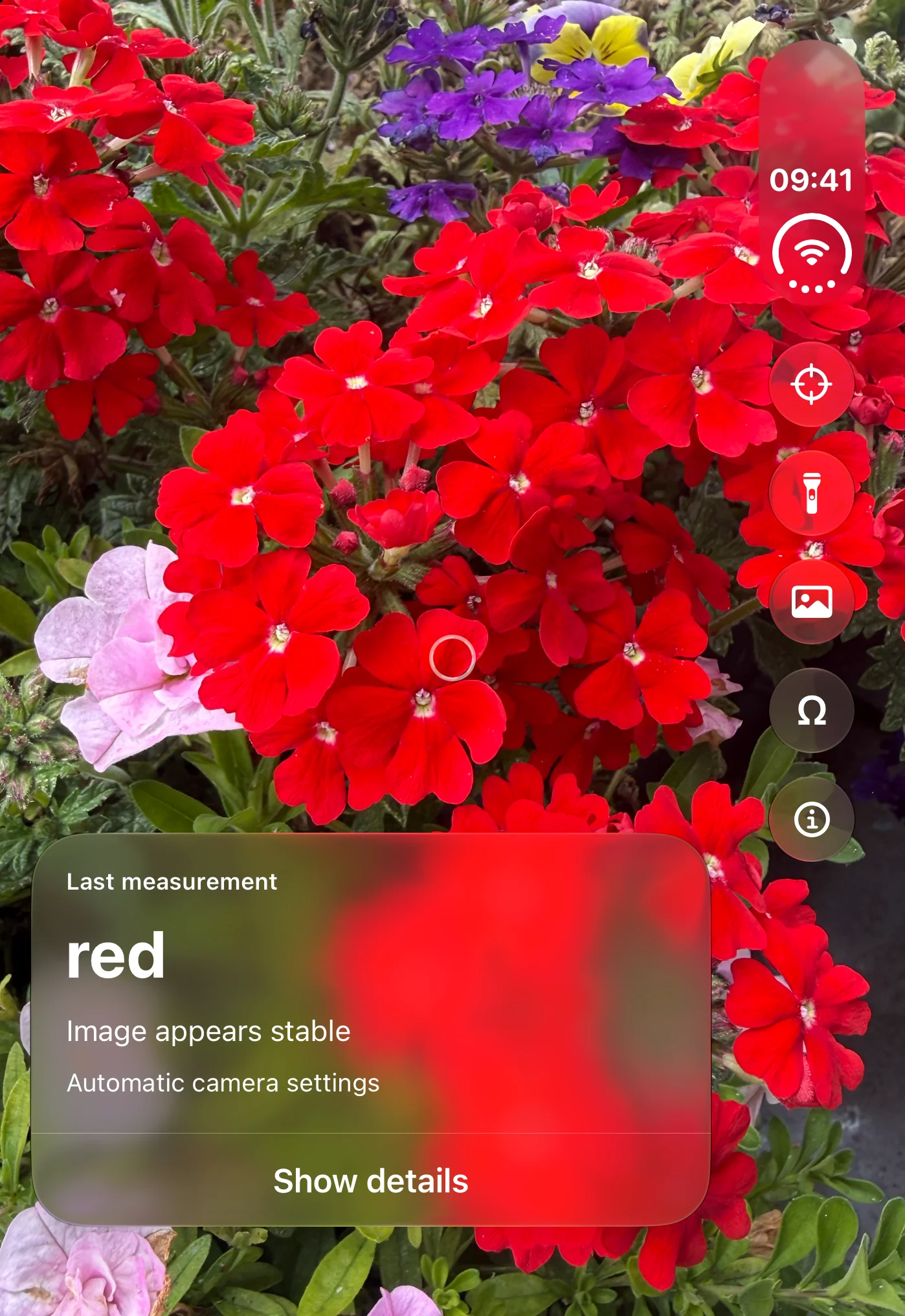
Opsino: camera view with measurement circle and color name on the outer display
Outer displayPortrait
Opsino: photo and measurement circle on the left, color result on the right on the inner display
Inner displayLandscape

Mow’s Meadow

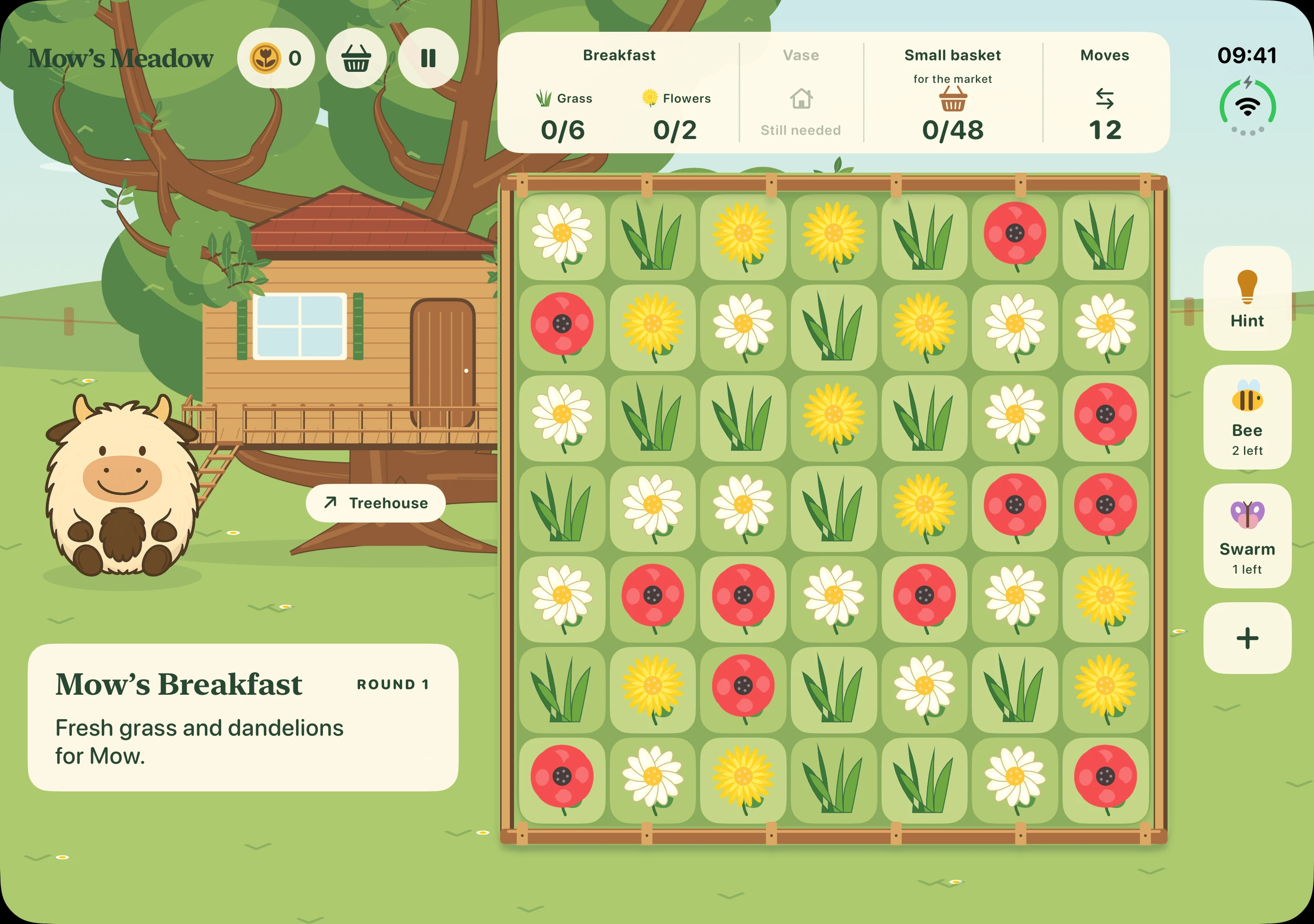
Mow and her treehouse on the left, the board on the right: unfold iPhone Duo to see more of Mow’s Meadow.

Mow’s Meadow · iPhone Duo
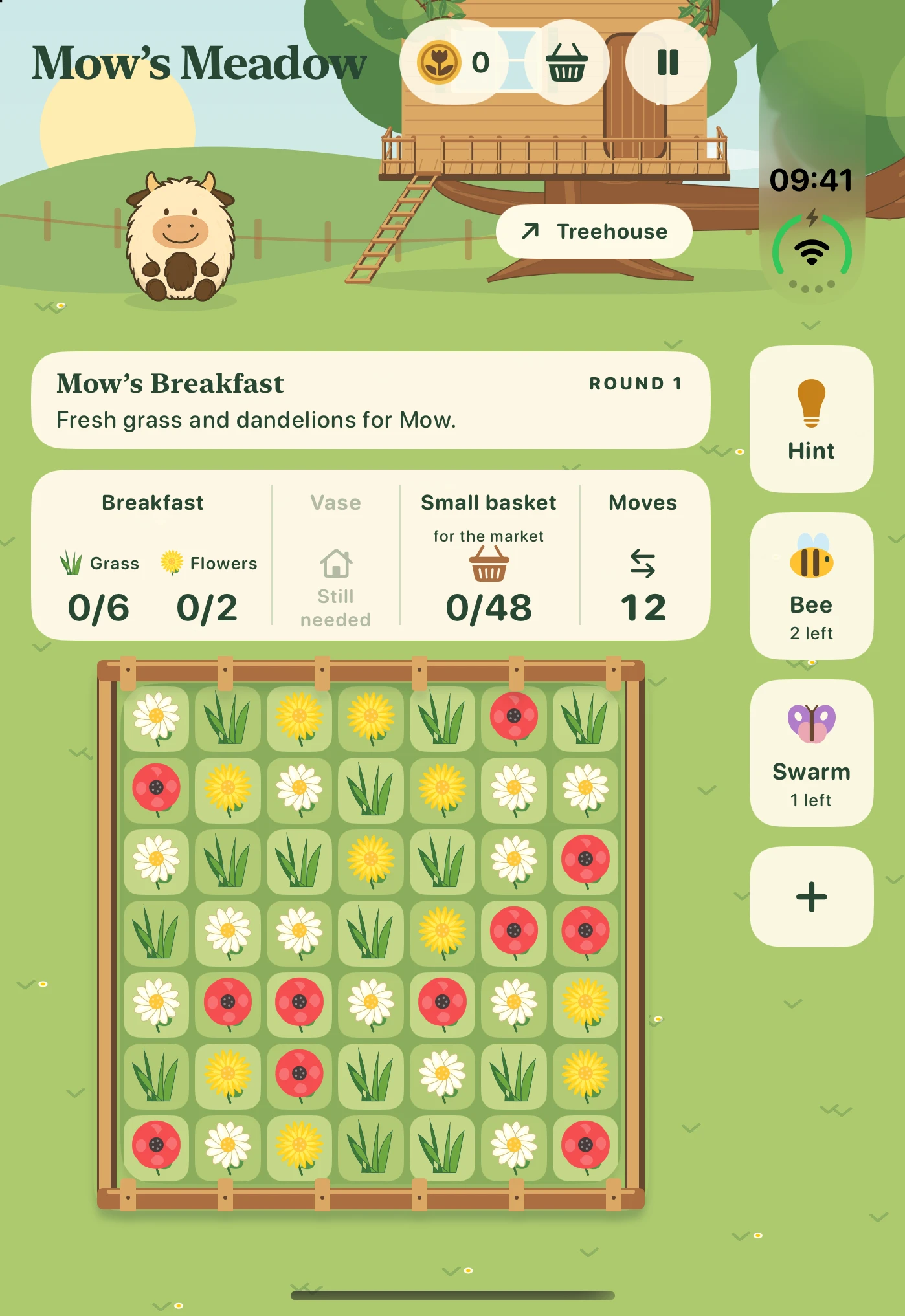
Mow’s Meadow: collection goals and game board on the outer display
Outer displayPortrait
Mow’s Meadow: Mow and treehouse on the left, game board on the right on the inner display
Inner displayLandscape